cicd on gcp + sql
[This post was originally written in 2020.]
This post is dedicated primarily on making a cicd pipeline, a pretty generic boilerplate pipeline that uses Cloud Build, which is google's CICD serverless platform. Modularly building upwards so that my next project can use this. We're using Cloud Source Repos to host repos, but the pattern is all the same. All these CI pipelines follow the same structure:
- There's a steps file to define steps (e.g. steps to test a pipeline)
- There's a trigger to invoke some steps (e.g. pushing to a branch)
My trigger is defined as any changes to my master branch, and my cloudbuild.yml file has pretty self-explanatory steps: run a test, build docker image, push docker image (and optionally deploy docker image).
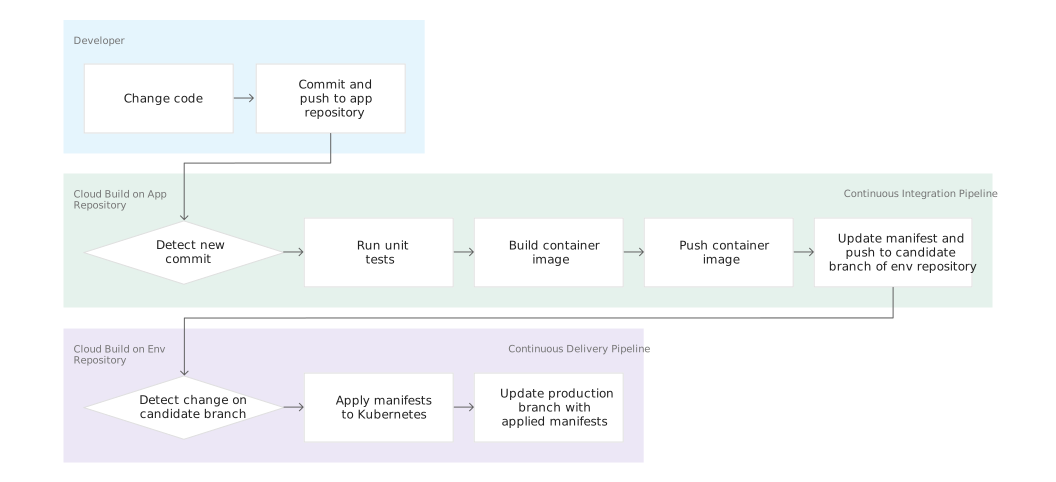
This tutorial, which is what I'm generally following, has a separate branch that has a separate cloudbuild.yaml file to manage deployment. This way, the CI step which is generally managed by the developer is decoupled from the CD step, which is generally managed by automated systems. The CD step uses the kubectl builder to automatically link a cluster to deploy, which is a nice abstraction. I made some custom modifications to conform to the way I want feature-branch tested and the final result deployed.
Feature branch runs test and builds docker image.
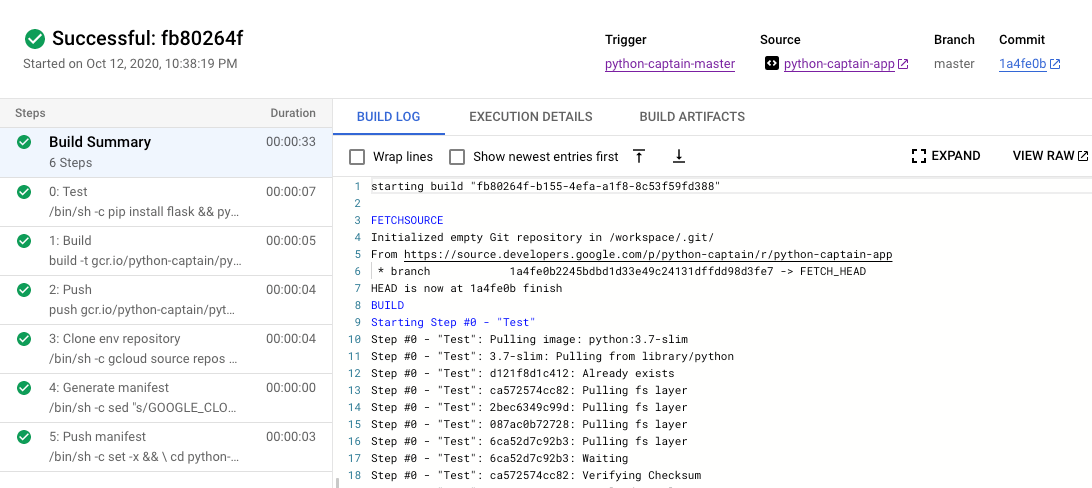
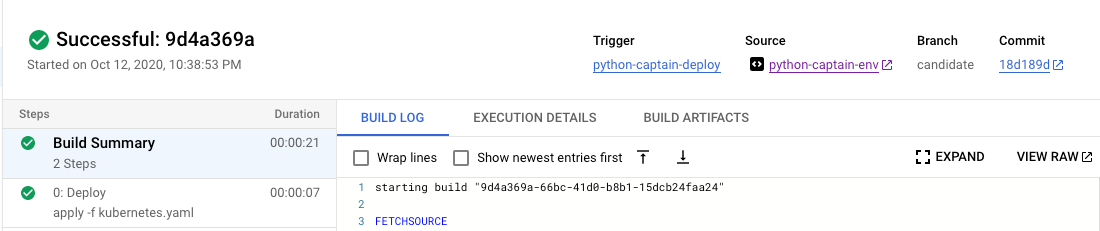
Master branch runs test, builds, pushes image, and deploys

Cool! Everything works like a charm. You can also do more fancy things. I think if you have more complex docker images, you can simply layer images on top of the GCP builder images. These A-records are mapped to LoadBalancer IPs:
adding a service
I'm using postgresql as the backend hosted on Cloud SQL; it's a managed database service that does scaling, security, and backups for you. For postgres tooling, everything I'm using is pretty standard: psycopg2/sqlalchemy/alembic via the flask ecosystem.
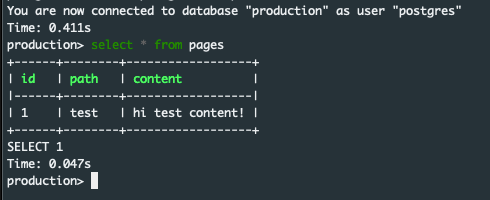
Anyways, everything works great! I can also see it exposed on a lightweight front end I made.
I am using cloudsqlproxy to run everything local against a production database, but alembic makes it really easy to sync your data models up.
Note that sqlalchemy expires on commit; this means that when the data is transferred from local memory to be committed onto the database, the object can't be used anymore. It doesn’t matter too much since you do business logic before you commit anyway.
Cool! I’m ready to hire some engineers now for my project (joking).
Other random stuff:
- I recommend this to follow to do what I did here.
- easy-to-follow alembic set up and reasoning + commit/rollback code